
Office Phone Systems & Telephony
Find office IP-PBX phone systems, desk phones, cordless handsets, headsets, and video conference bars for businesses in Kenya.
Small & Hybrid PBX Systems
All-in-one PBX systems for small and medium offices. Supports phone extensions, landlines, and Safaricom SIP trunks.
Enterprise PBX Servers
High-capacity phone servers for 50 to 500+ users with call recording, queues, and multi-branch linking.

VoIP Gateways & Adapters
Connect analog phone lines, mobile SIM cards, or fax machines to your modern IP phone system.

IP Desk Phones
Clear HD voice desk phones with color screens, speed dial keys, and gigabit network ports.
Conference Phones
Tabletop conference speakerphones with 360-degree microphones for meeting rooms.

Cordless DECT Phones
Wireless handsets with long battery life for warehouse floors, retail shops, and multi-floor offices.
Video Meeting Rooms
All-in-one 4K video bars, touch controllers, and speakerphones for Zoom and Microsoft Teams rooms.
Business Headsets
Noise-cancelling wireless and USB headsets for call centers and office desks.
Featured Telecommunications Hardware
Commercial VoIP appliances, IP phones, and collaboration systems with certified warranty and local support in Nairobi. Explore how unified telephony empowers your organization.
No Monthly User Fees
With cloud phone services, you pay monthly subscription fees for every single staff member. An on-premise PBX is a one-time purchase with no monthly user licenses.
Internal calls between desks and branches are 100% free, cutting your monthly phone bills by up to 70%.
Never Miss a Customer Call
Auto-attendant greetings direct callers straight to Sales, Accounts, or Customer Support.
Calls can ring multiple phones at once or forward to a mobile phone when staff are away from their desk.
Backup Mobile SIM Lines for Internet Outages
Pure cloud phone systems go completely silent if your office fiber internet drops.
VoIP gateways keep your lines running by automatically switching calls to mobile SIM cards or traditional landlines.
Clear Video Meetings for Zoom and Teams
No more tangled laptop cables and muffled microphones during video calls.
All-in-one video bars deliver wide-angle 4K video, background noise cancellation, and simple one-touch meeting starts.
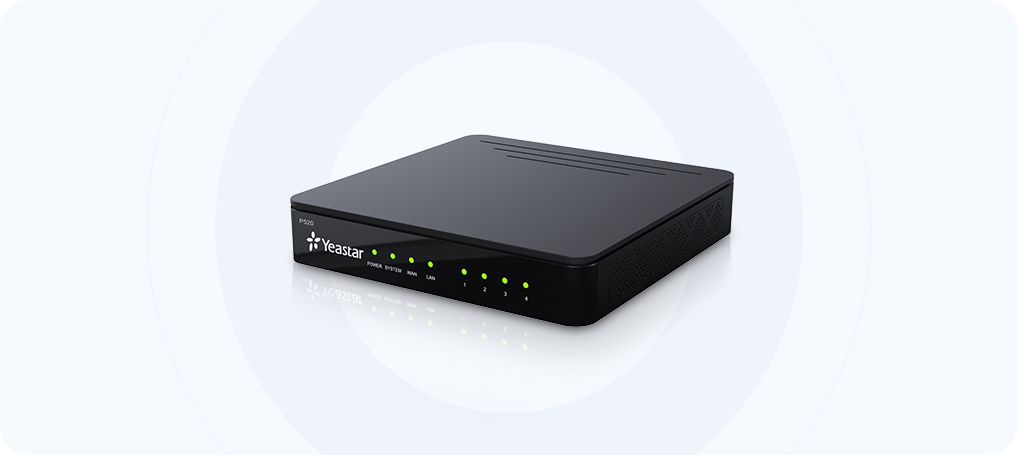
Yeastar P520 IP PBX
KES 68,000
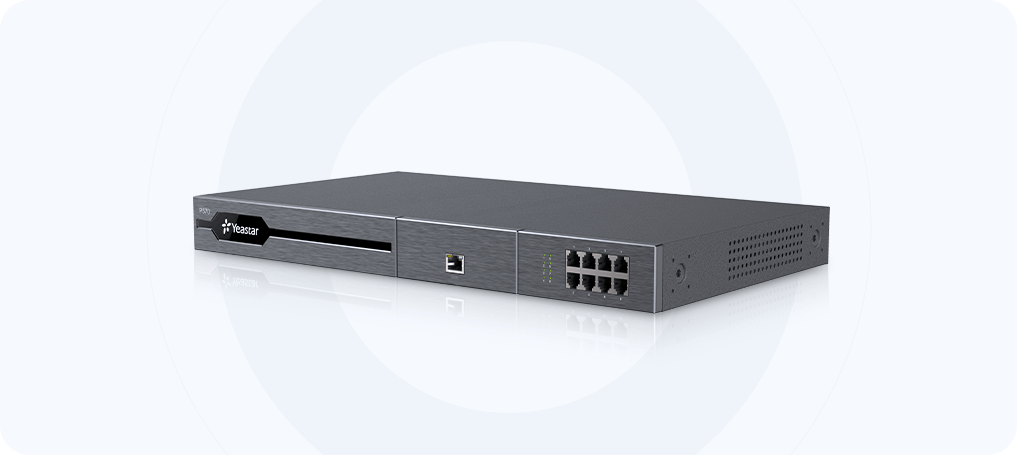
Yeastar P570 IP PBX
KES 285,000
Yeastar TA100 1-Port FXS VoIP Gateway
KES 9,500
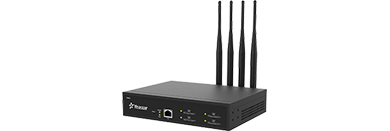
Yeastar TG400 4-Channel VoIP GSM Gateway
KES 58,000
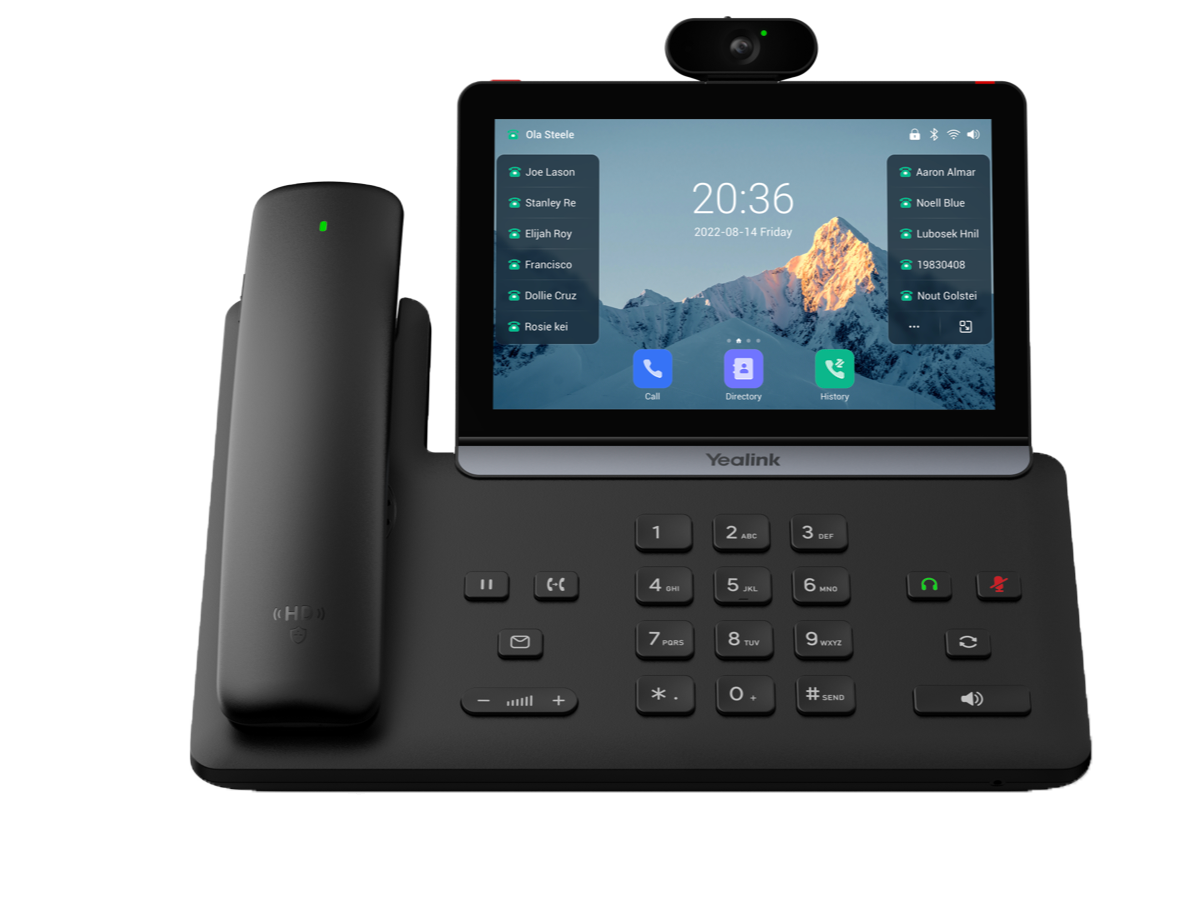
Yealink SIP-T88V Pro Flagship Video Smart Business Phone
KES 62,500
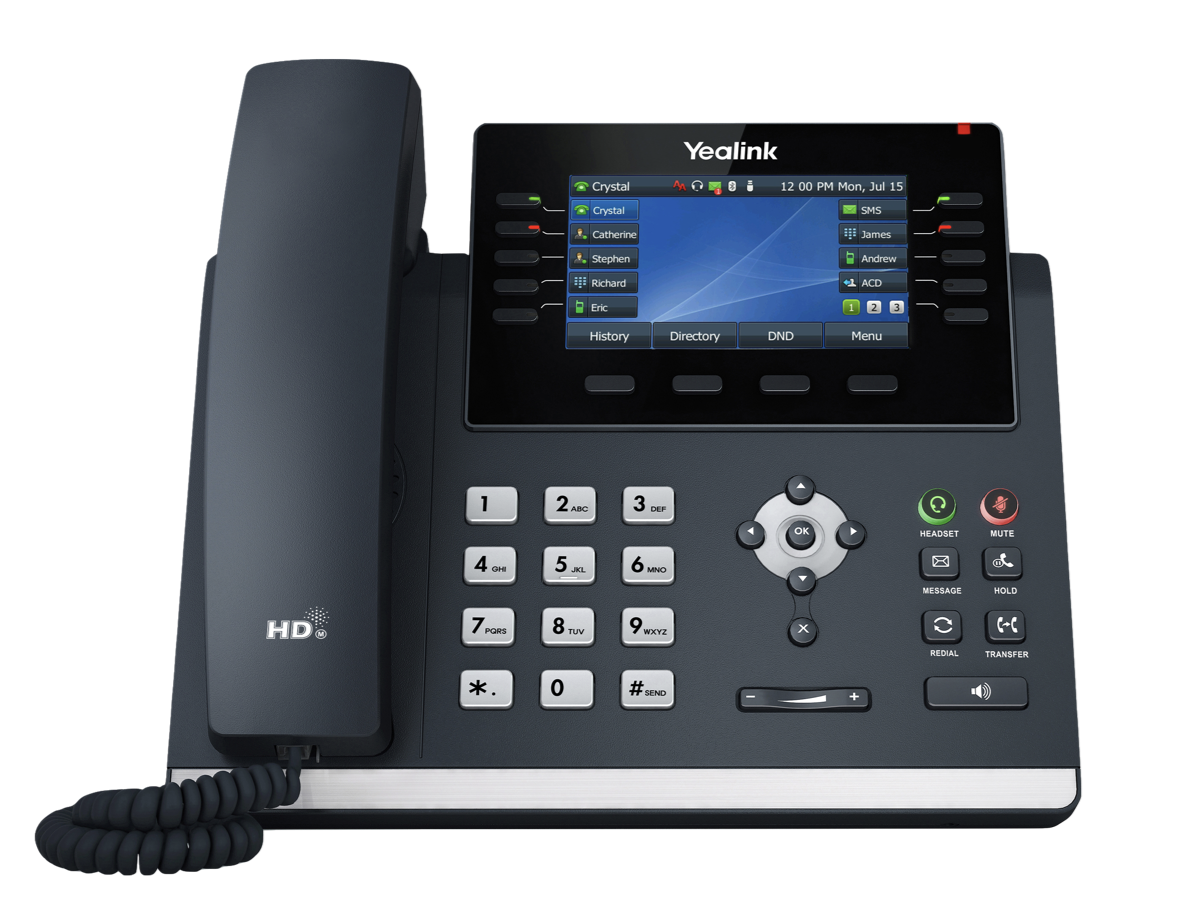
Yealink SIP-T46U Enterprise Gigabit IP Phone
KES 32,000
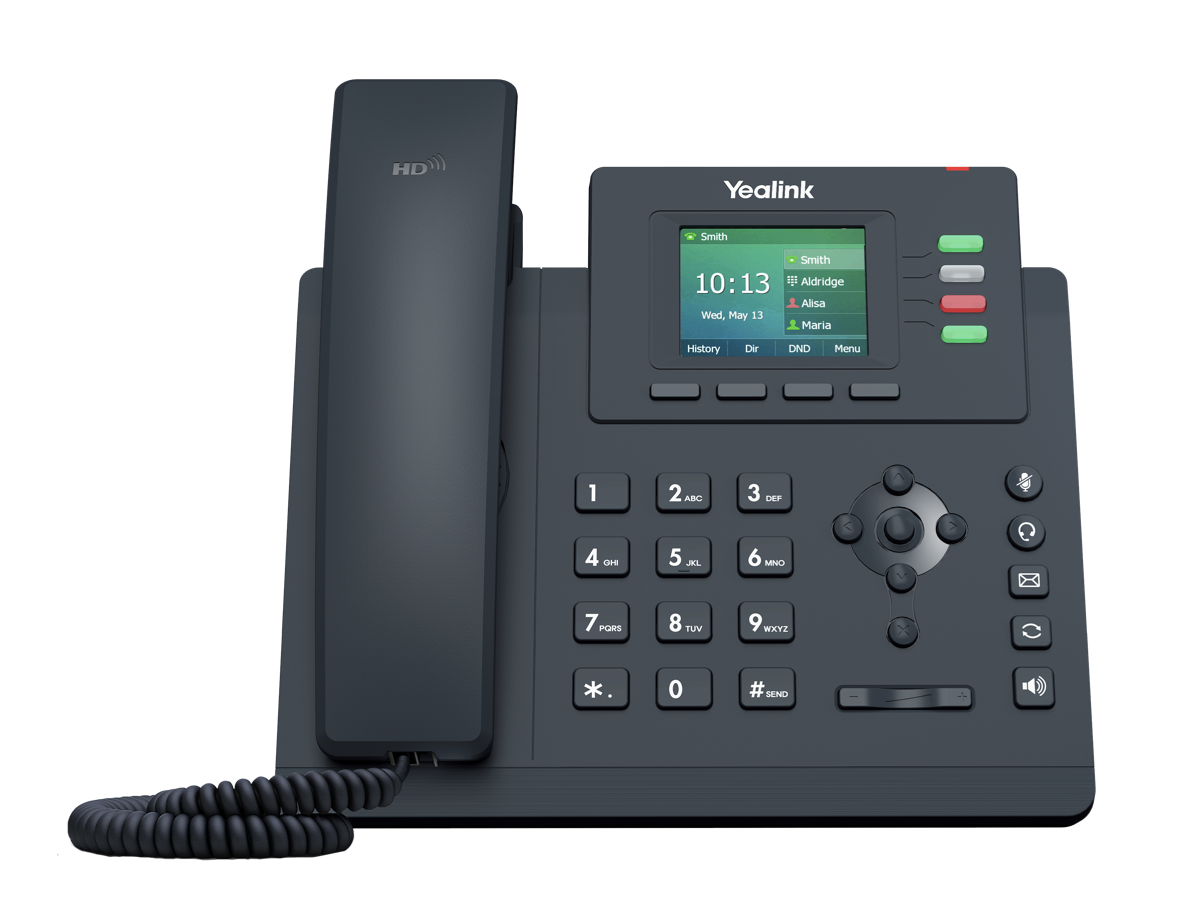
Yealink SIP-T33G Gigabit Color Screen IP Phone
KES 13,500
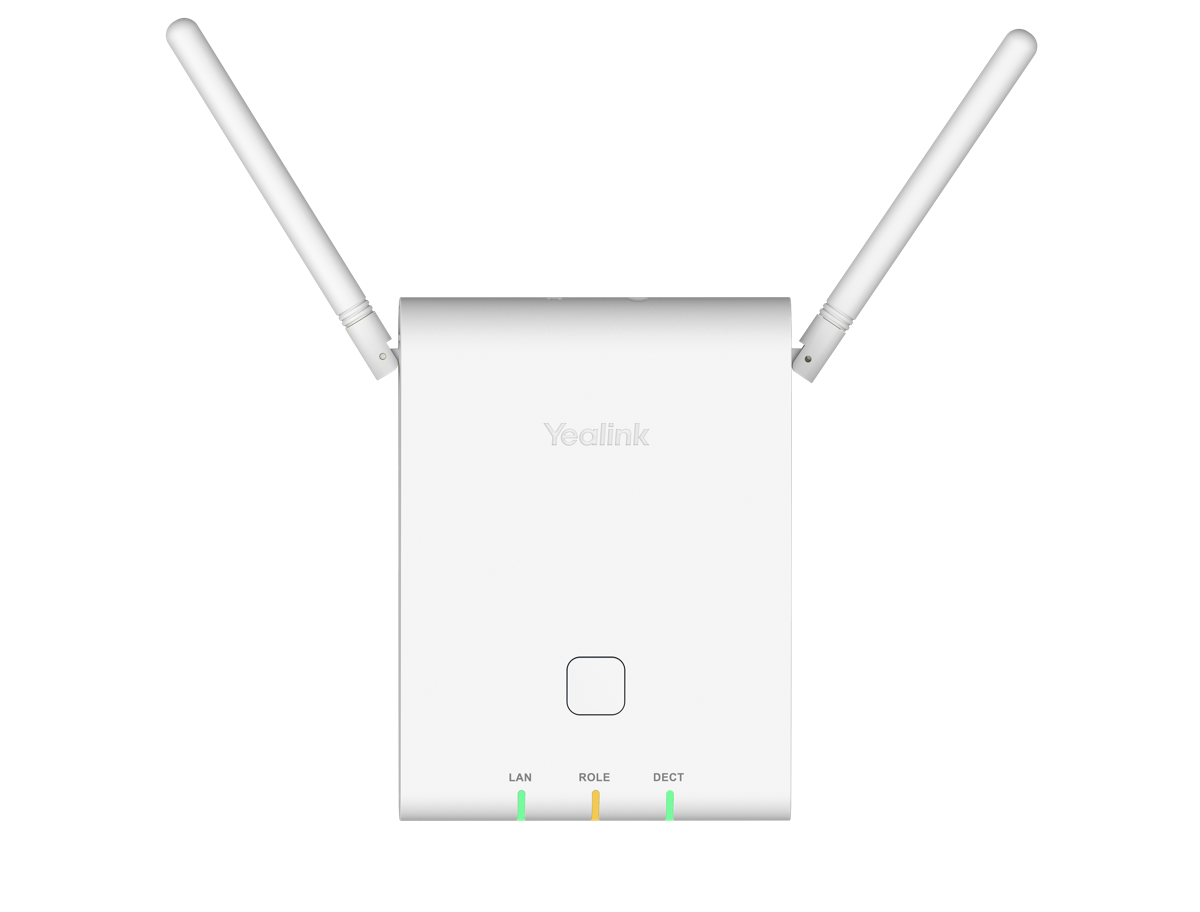
Yealink W90DM / W90B
KES 78,500
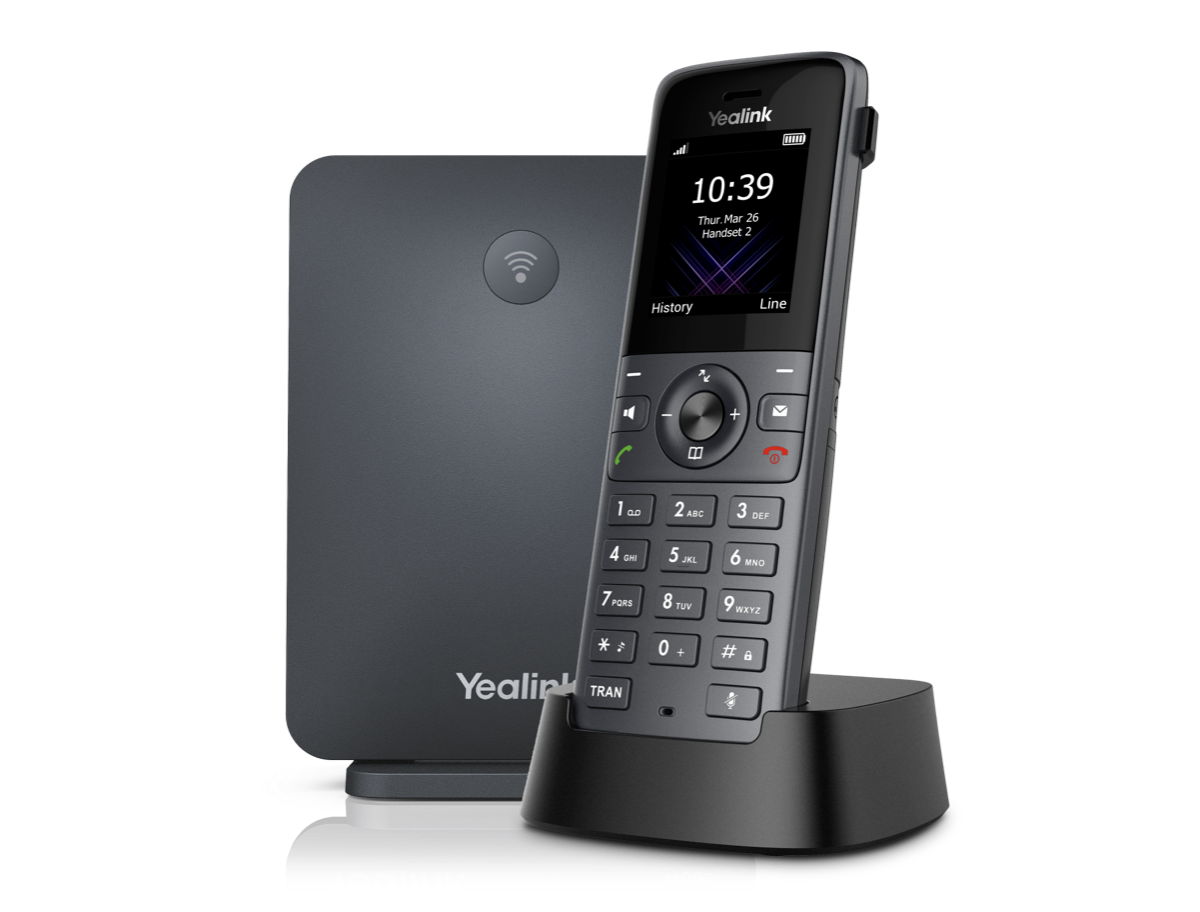
Yealink W73P (W70B+W73H)
KES 24,500
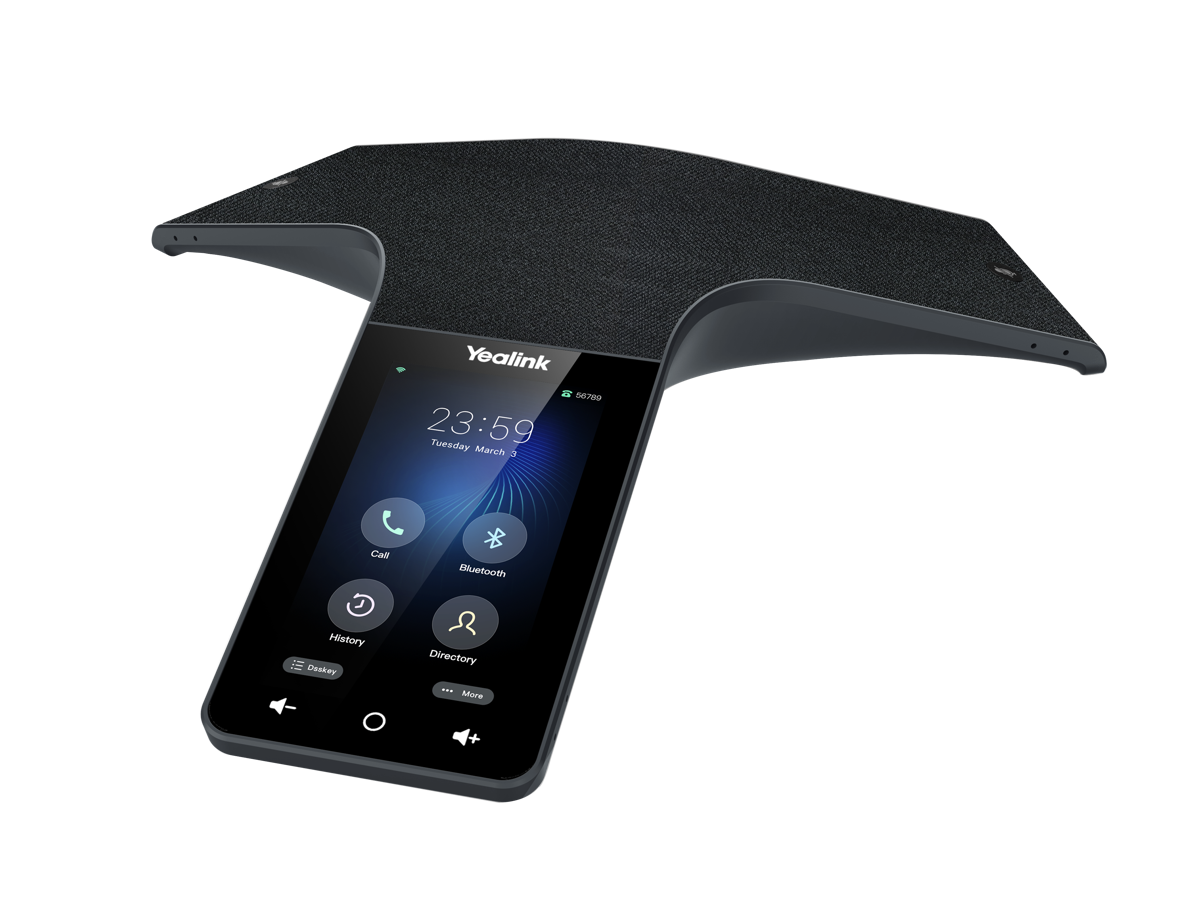
Yealink CP965
KES 115,000
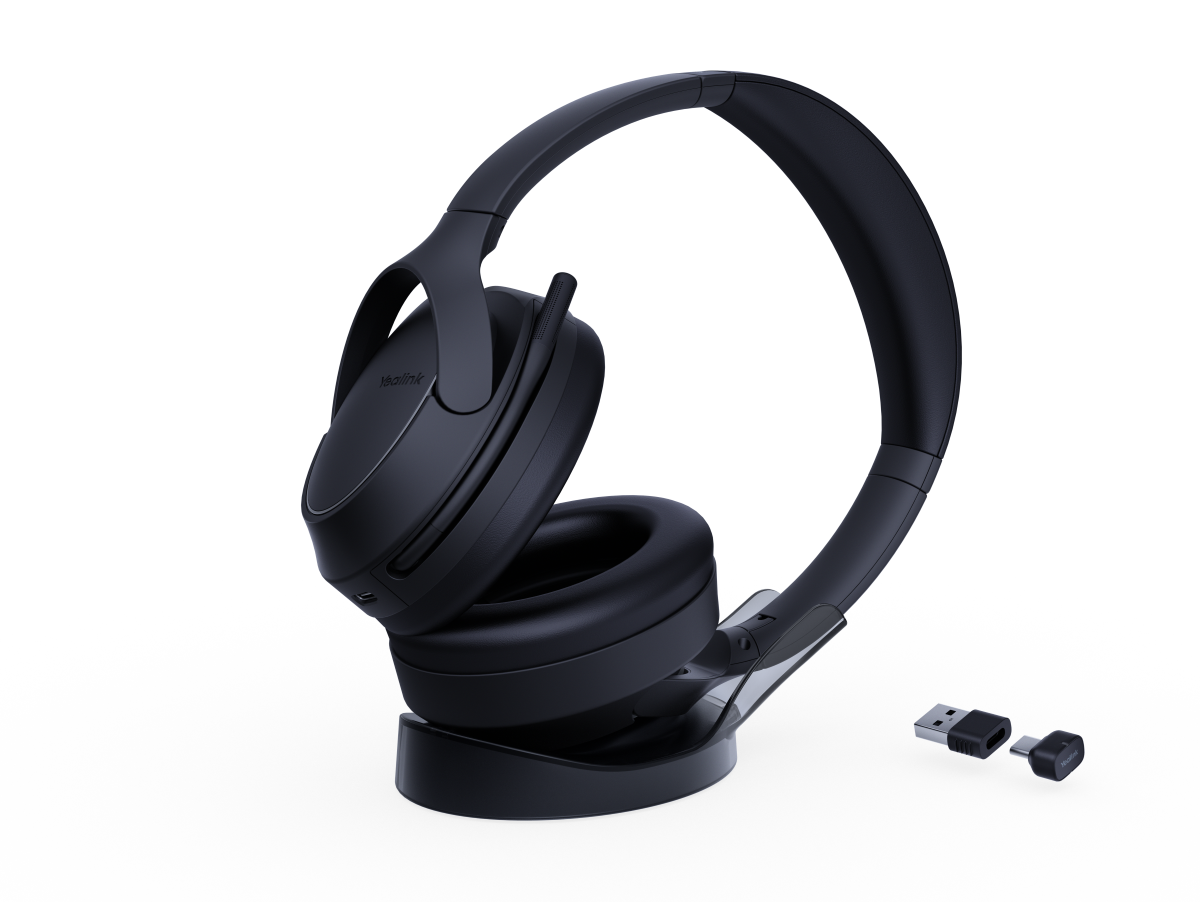
Yealink BH78 Flagship ANC Bluetooth Wireless Headset
KES 45,000
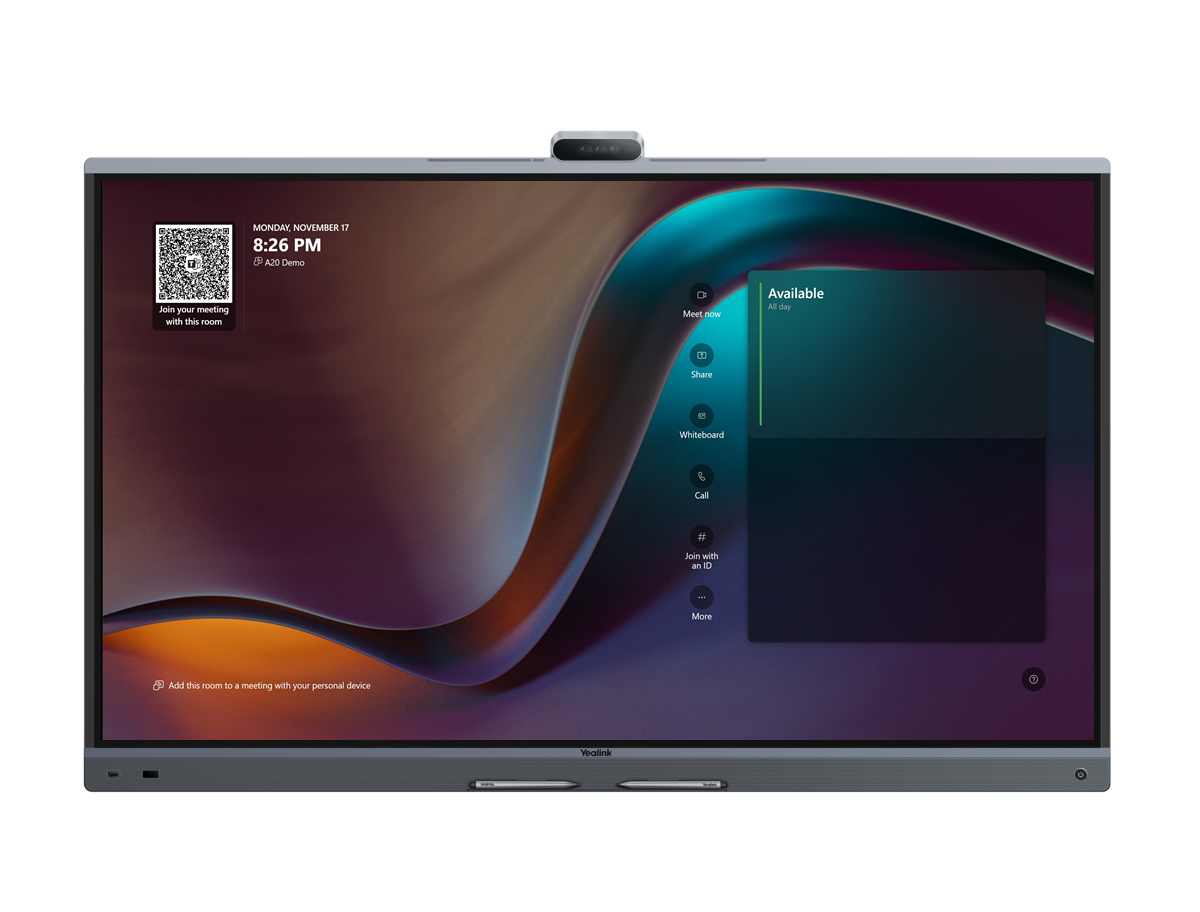
Yealink MeetingBoard Pro 65"/75"/86" All-in-One Microsoft Teams Rooms
KES 650,000
How to Choose an Office Phone System
A simple 4-step guide to picking the right phone setup for your team.
01Count Your Extensions
Count how many desks need phones, and decide who needs a desk phone, a wireless handset, or a headset.
02Check Your Phone Lines
Decide whether you connect to a fiber SIP trunk (from Safaricom or Airtel), mobile SIM cards, or landlines.
03Pick Your PBX Size
Choose a PBX that supports your current staff with room to add more extensions as you hire.
04Set Up Meeting Rooms
Choose video bars or conference speakerphones for your meeting rooms and boardroom.
Industry Applications
See how organizations across Nairobi and East Africa deploy modern telecommunications to streamline collaboration and client service.
Corporate Head Offices & Law Firms
Provide senior executives with high-definition video desk phones and boardroom Teams Rooms systems. Keep legal calls private with hardware encryption (TLS/SRTP) and automated call recording archives.
Customer Contact Centers & Sales Teams
Handle hundreds of incoming inquiries with intelligent call queues, real-time agent wallboards, and supervisor whisper monitoring. Equip agents with lightweight ANC headsets for all-day comfort.
Hospitals, Clinics & Healthcare Facilities
Equip roaming doctors and nursing staff with rugged, sanitizable DECT cordless handsets that provide seamless coverage from emergency wards to operating theaters without dropped calls.
Hotels, Resorts & Lodges
Integrate your PBX with hotel Property Management Systems (PMS) for automated guest room billing, wake-up calls, room clean status dialing, and multi-line reception operator consoles.
Frequently Asked Questions
Practical answers to common questions about on-premise PBX deployments, SIP trunk compatibility, and meeting room setups.
Can remote or work-from-home employees use their office extension?
expand_more
Yes. Both Yeastar P-Series and Matrix PBXs include mobile (iOS/Android) and desktop (Windows/Mac) softphone applications (such as Yeastar Linkus). Staff can make and receive calls using their official office extension number from anywhere with internet access, transferring calls to colleagues as if sitting in the same office.
Are these PBX systems compatible with Kenyan telecom providers?
expand_more
Yes. Our PBX systems and VoIP gateways are fully certified for all Kenyan SIP trunk providers (Safaricom, Airtel, Telkom) as well as traditional analog landlines and E1/PRI links. They support direct SIP trunk registration, Least Cost Routing (LCR), and automated failover.
What is the difference between DECT cordless phones and Wi-Fi phones?
expand_more
DECT operates on a dedicated, interference-free frequency band (1.9 GHz) separate from office Wi-Fi, offering superior voice clarity, extended battery life, and seamless handover between multi-cell base stations across large buildings. Wi-Fi phones use existing access points but can experience audio chop if the office wireless network is congested with heavy data traffic.
Do video conferencing bars require a separate PC in the meeting room?
expand_more
All-in-one appliance video bars (such as Yealink MeetingBar A20/A30 or MeetingBoard Pro) run native Microsoft Teams Rooms or Zoom Rooms on integrated compute hardware—no external computer is required. Users simply walk into the room, tap the touch console, and start the meeting immediately. BYOD kits are also available for users who prefer plugging in their own laptop via USB-C.
Need an Equipment List or Price Quote?
Tell us how many users and phone lines you need. Our team in Nairobi will send you a complete list of matching parts and prices.
